Welcome to BAR - the Bay Area's premier saltwater hobbyists hub!

Apex Fusion Club

Supporting Member
Joined
Oct 25, 2009
Messages
761
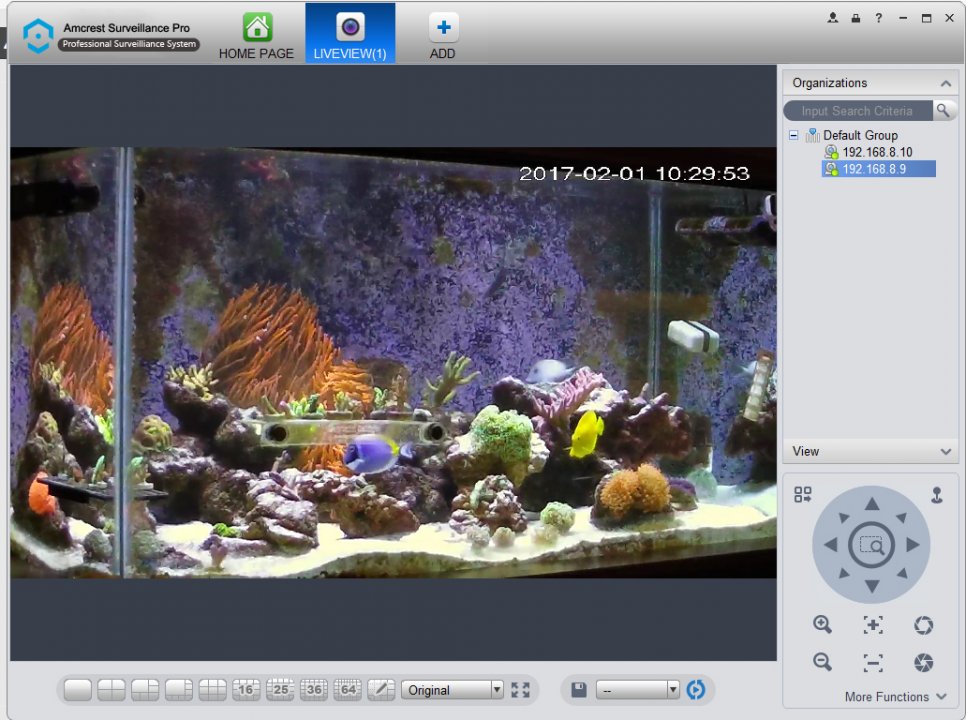
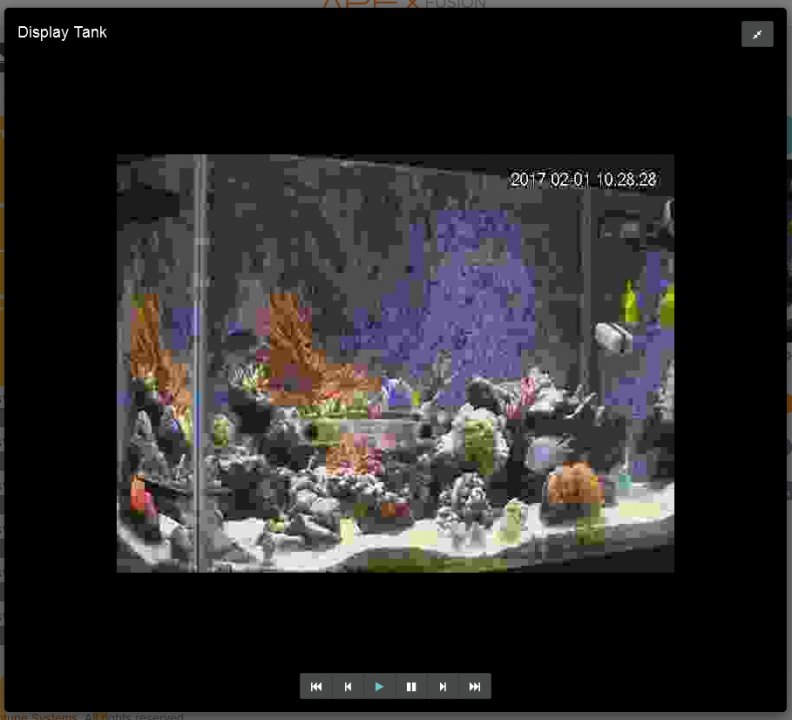
Here is a comparison from the APEX MJPG and the Full Resolution stream through software.
Untitled-1.jpg

Untitled-2.jpg
 
Guest
Joined
Mar 3, 2008
Messages
2,268
I wish there was a 10-12x optical zoom camera in 1080p


Sent from my iPhone using Tapatalk
 
Guest
Joined
Mar 22, 2016
Messages
1,482
I wish there was a 10-12x optical zoom camera in 1080p
Sent from my iPhone using Tapatalk

Look up the camera from Axis. We used some to record user testing. A dome camera placed in the corner 20 ft away can zoom in and get perfect tracking of eye ball movement and facial reaction. Cost about 2k a piece though.


@yellojello , I would never open my network port for those camera. I prefer Nest style of solution where video is proxied through their server and you can remain protected.
 
Guest
Joined
Mar 3, 2008
Messages
2,268
Firewall it. Then only VPN in :)


Sent from my iPhone using Tapatalk
 
Supporting Member
Joined
Oct 25, 2009
Messages
761
I don't know much about hacking, but if a port was open and forwarded to a certain device, is the whole network open to attack? or just the device? Could they only hack if they knew the address and port, or are there crawlers out there searching every port?
 
Guest
Joined
Mar 3, 2008
Messages
2,268
The weak link is the security on those camera. They usually have a weak back end Linux and weak user password setup by default


Sent from my iPhone using Tapatalk
 
Supporting Member
Joined
Jun 29, 2010
Messages
7,114
One trick is to have two routers.
One router for your home network. Tightly closed as normal.
One for the cameras (and guests). Port-forward, but ONLY that port, so restrict pretty much everything else.
Reduces the chances of getting to the camera, and makes sure your main home network is safe.
Cheap if you occasionally upgrade your router and save the old one.
 
Guest
Joined
Mar 22, 2016
Messages
1,482
One trick is to have two routers.
One router for your home network. Tightly closed as normal.
One for the cameras (and guests). Port-forward, but ONLY that port, so restrict pretty much everything else.
Reduces the chances of getting to the camera, and makes sure your main home network is safe.
Cheap if you occasionally upgrade your router and save the old one.

I put junk IOT devices on different VLAN naturally. But I simply don't want a botnet camera clogging up my network.
 
Supporting Member
Joined
Jun 29, 2010
Messages
7,114
I put junk IOT devices on different VLAN naturally. But I simply don't want a botnet camera clogging up my network.
Well,I guess there are only two solutions:
1) Buy a camera that doesn't suck. :p
2) Put a VPN server with solid security on the separate router and LAN (wired not virtual), open that port only, and get in through there. :rolleyes:
 
Joined
Oct 6, 2016
Messages
650
Can you guys share your skimmer settings please? I added u guys already


Sent from my iPhone using Tapatalk
 
Top